CompanionX · AI care companion
Care, when you need it.
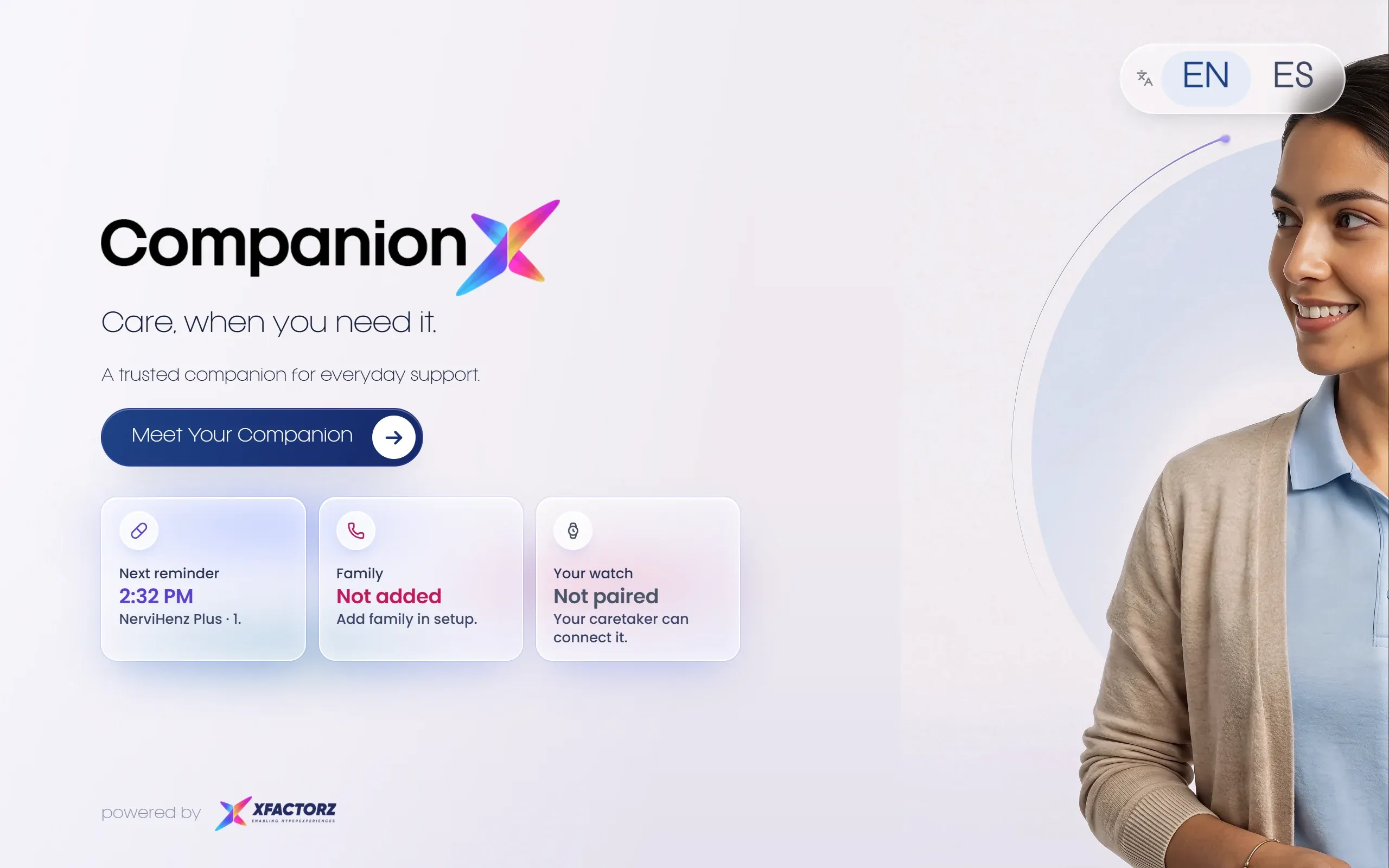
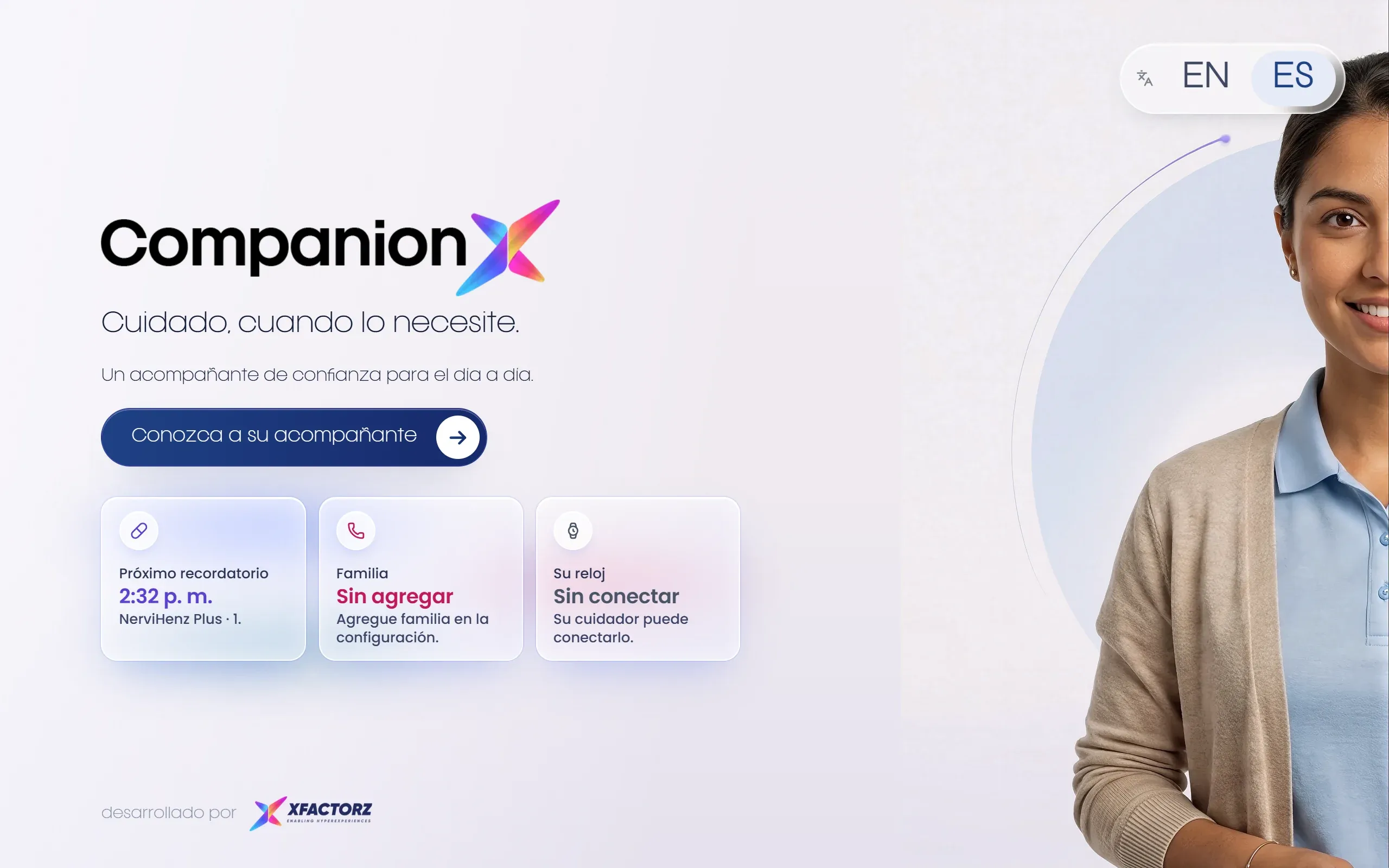
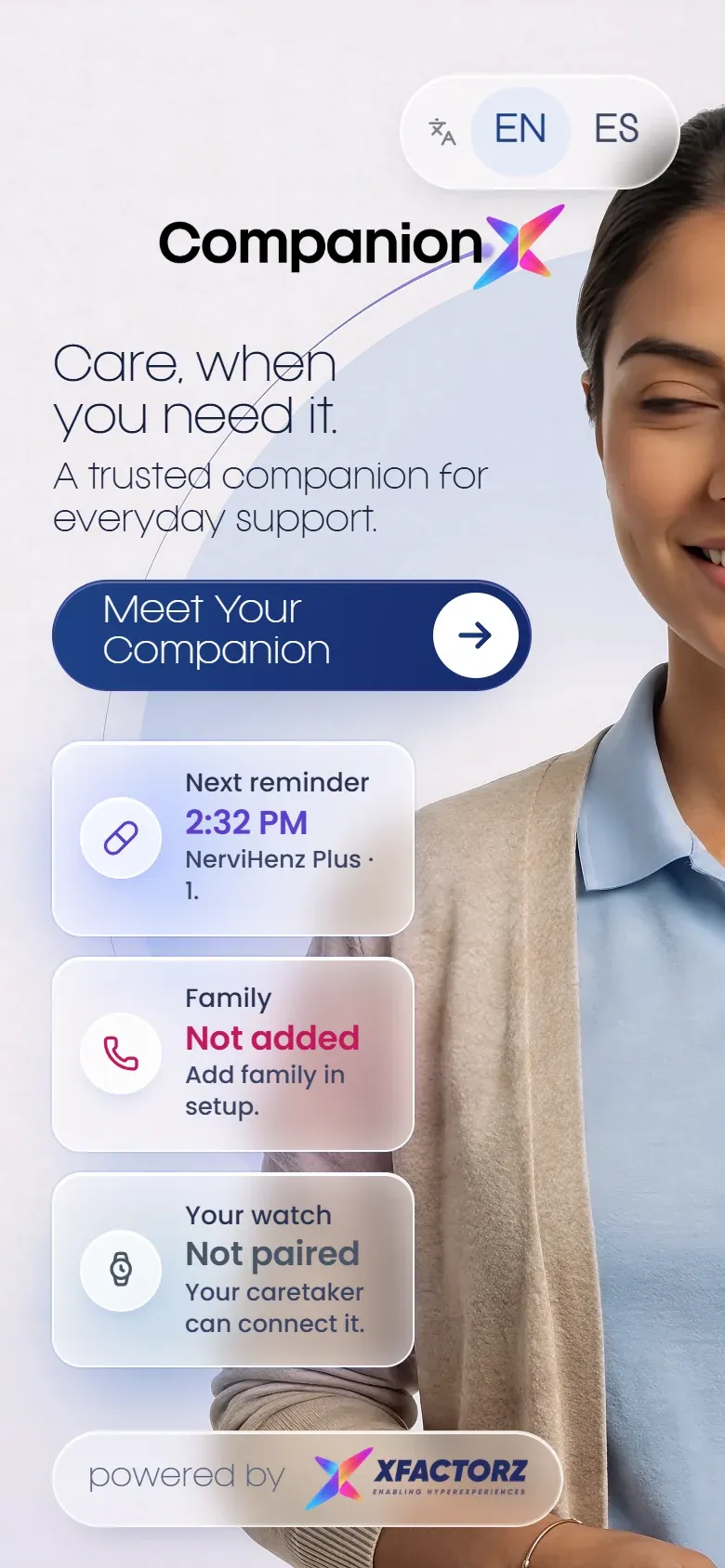
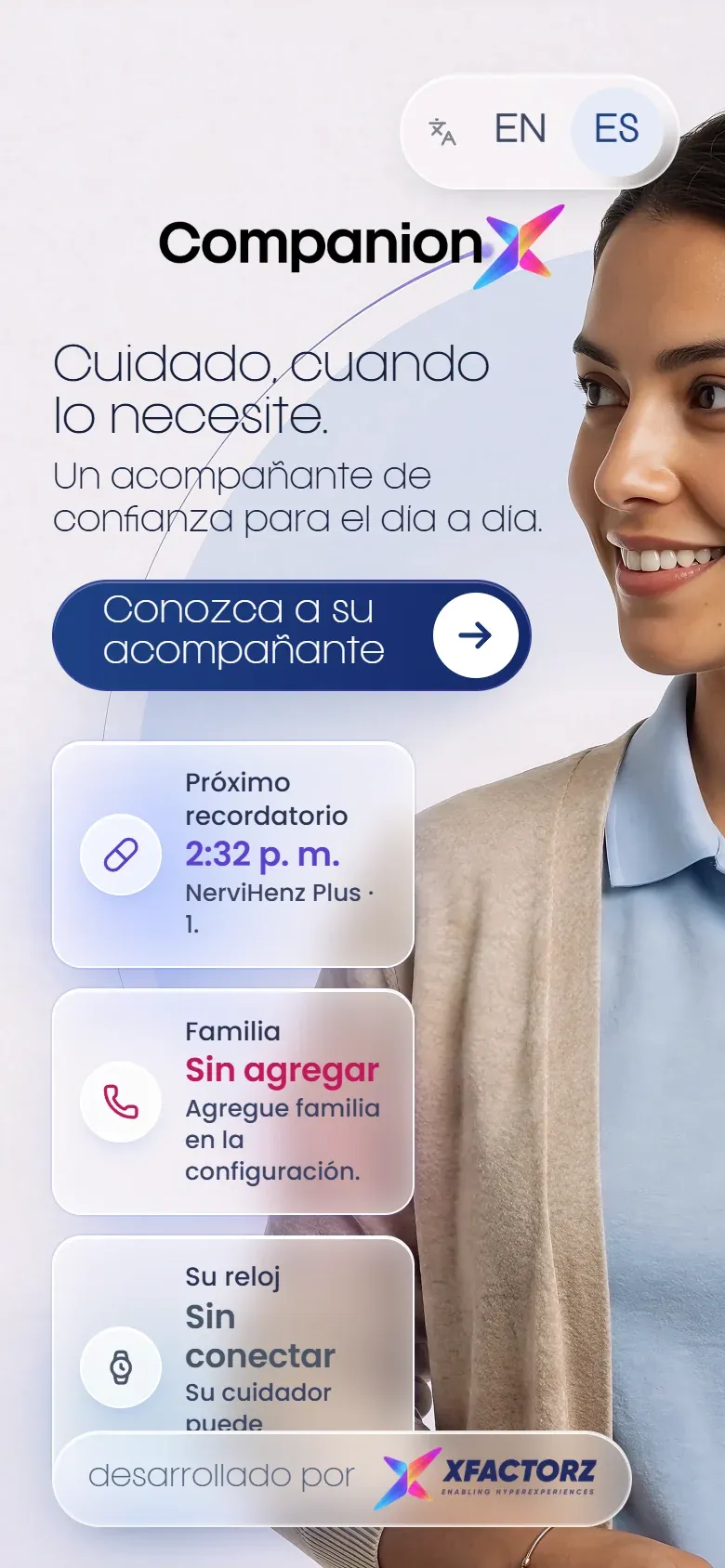
A trusted digital-human companion for everyday support. CompanionX reminds, listens, connects family and calls for help — in English or Spanish, just by talking.
- English & Español
- “Hey Companion” — hands-free
- One-touch SOS
Who it’s for
One companion. Three kinds of peace of mind.
-
For the person being cared for
A warm, patient companion they simply talk to: medicine reminders, family photos, a poem, the news, the weather — or help, right away.
-
For family
Share photos and memories from anywhere, get notified when it matters, and stay present with a digital twin when you can’t pick up.
-
For care teams
Emergency SOS with an automatic call, watch health data at a glance, and a caregiver page to set everything up per resident.
Features
Everything she needs, just by asking.
Built around the moments that matter in a day — taken straight from the live product.
-
Medicine reminders
“Here is your medicine schedule for today.” Timed reminders with simple instructions — “Take it after breakfast.” Family can add them during setup.
- Daily schedule by voice
- Plain-language instructions
- Snooze: “remind me in ten minutes”
Next reminder
2:32 PM
Take it after breakfast. · Para tomar con agua.
Here is your medicine schedule for today.
Remind me in ten minutes
-
Emergency SOS
Press and hold for help. A countdown calls the care team automatically — or slide to call now. Family is notified.
SOS→Slide to call now -
Family circle & calls
“Call my granddaughter.” If she’s not picking up, talk to her Digital Twin — always there to chat.
She’s not picking up right now.
Talk to her Digital Twin →
-
Memory Vault
“Show me my family photos.” Family shares albums and memories through a simple link — no app to install.
- Shared family album
- Anyone with the link can add memories
- Your memories, safely preserved
Show me my family photos
-
Health from the watch
Pairs with Fitbit / Google Health: heart rate, resting heart rate, sleep, steps and active minutes — read out on request.
Heart rate, latest
72 bpm
Sleep last night
7h 20m -
Doctor & meetings
“Book an appointment with the doctor.” Video meetings appear on screen with a QR code to join from a phone.
Your meeting is ready
Scan to join the call
Join now -
Companionship, every day
Poetry from Gabriela Mistral to Shakespeare, the latest news, weather, answers from the web, a painting on request, a quiet moment or a prayer together.
- Poems in English & Spanish
- News, weather & search
- “Let me paint that for you”
- Spiritual wellbeing
“Hope is the thing with feathers / That perches in the soul”
PoemsNewsWeatherWeb searchPaint for meA quiet moment -
Built to be easy
Voice-first with the “Hey Companion” wake word, larger text and stronger contrast in one tap, and a keyboard when you want it.
Aa→Aa
Voice-first
Just say “Hey Companion.”
- “ Hey Companion
- “ Show me my family photos
- “ What are my medicines today?
- “ Call my granddaughter
- “ Book an appointment with the doctor
- “ Read me a poem
Set up in minutes
Ready in four simple steps.
A caretaker or family member sets it up once — then it’s all conversation.
- 1
Care profile
A few details — and larger text if preferred — so guidance feels personal.
- 2
Family circle
Add the people the companion should know about: their name and who they are.
- 3
Your doctor
So appointments and check-ins go to the right place.
- 4
Photos & watch
Connect the family album and pair the watch. Done — say “Hey Companion”.
Applications
Wherever care happens.
- 01
Senior living
One companion per resident, set up by caretakers — with SOS to the care team and a clean hand-over when a resident moves on.
Residents Caretakers SOS - 02
At home
In the living room or bedroom, for people living independently — with family a voice command away.
Living room Bedroom Family - 03
Bilingual communities
Fully in English or Spanish, with local culture built in — like the poetry and history in our Chile deployment.
English Español Local content - 04
On any screen
Runs on a tablet or TV — or life-size on a Holobox for reception areas and lounges.
Tablet TV Holobox
In the wild
Speaking Spanish in Chile.
A bilingual deployment with local culture built in — Chilean poetry and history alongside everyday care.
 CompanionX · Chile CHILE A bilingual care companion, speaking Spanish and English.
 -
Private by design
Family contacts added in setup are saved on the device only.
-
Protected server
Each device needs its own key — an unknown device is turned away.
-
On-device wake word
“Hey Companion” is detected on the device itself.
-
Rests when idle
The avatar sleeps when nobody is using her — a touch wakes her.
Live Demo
Say hello to CompanionX.
- Opens the live app in a new tab.
- Best in Chrome or Edge on a laptop or tablet.
- Allow the microphone to talk to her and to use “Hey Companion”.
Book a demo
See it in your space.
Tell us what you’re exploring and we’ll tailor a guided walkthrough for your audience and goals.
- 1 Select product or solution
- 2 Your contact details
- 3 Submit enquiry
- 1Select
- 2Details
- 3Submit